1 / 5
 Novram
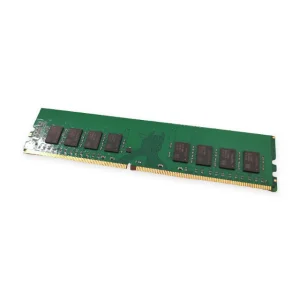
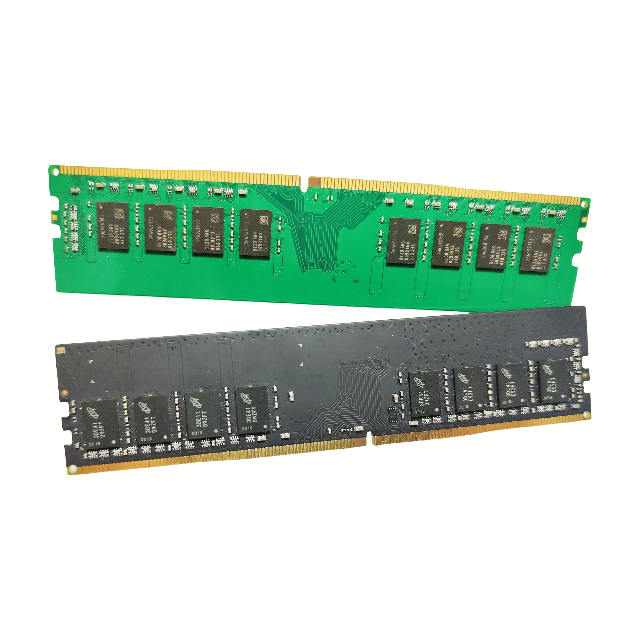
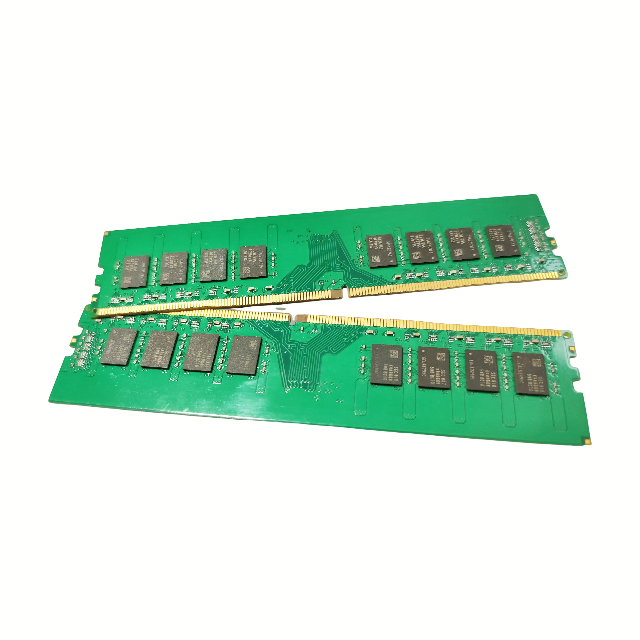
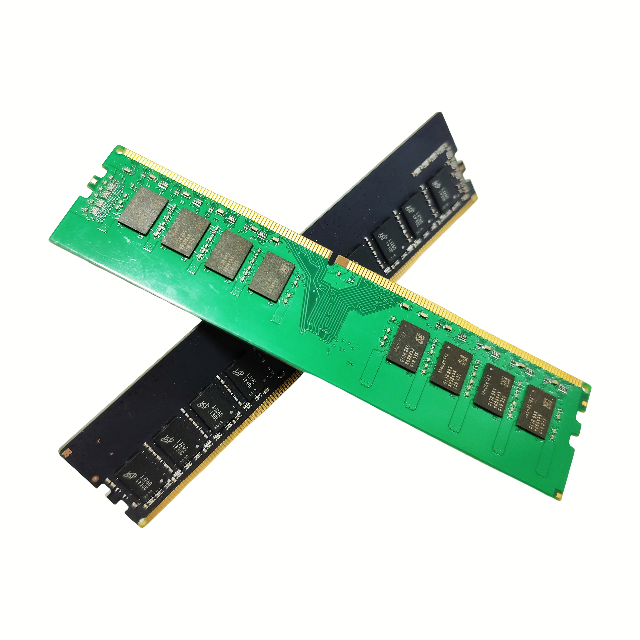
| Applicable types | notebook |
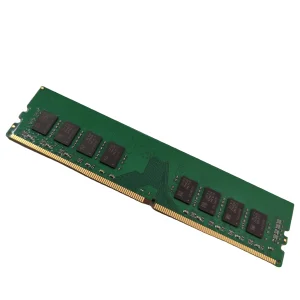
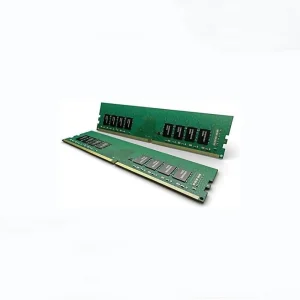
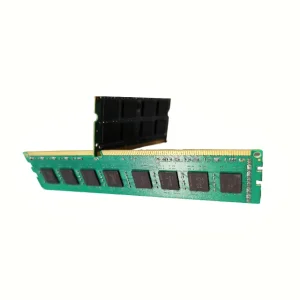
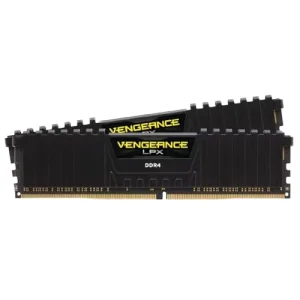
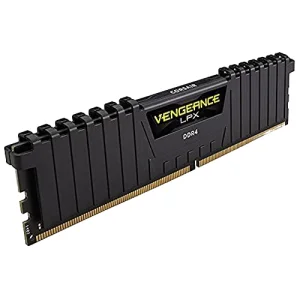
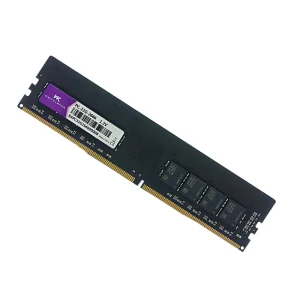
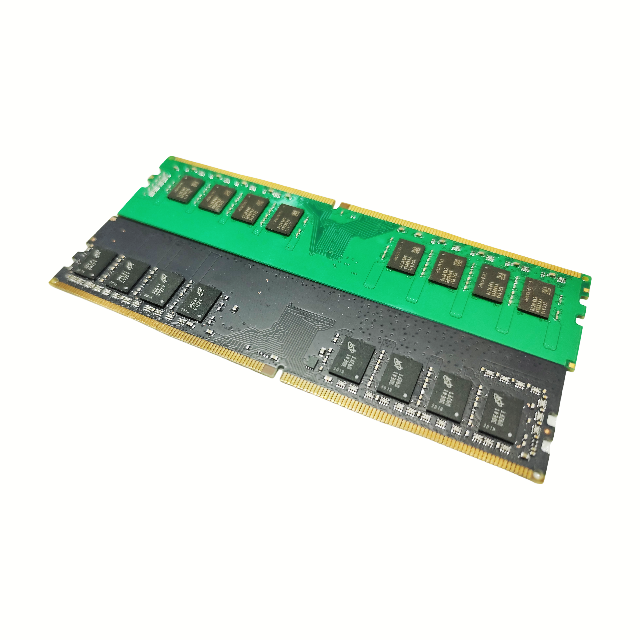
| Memory type | DDR4 |
| Combination form | Single item |
| Memory capacity | 8G-DDR4 |
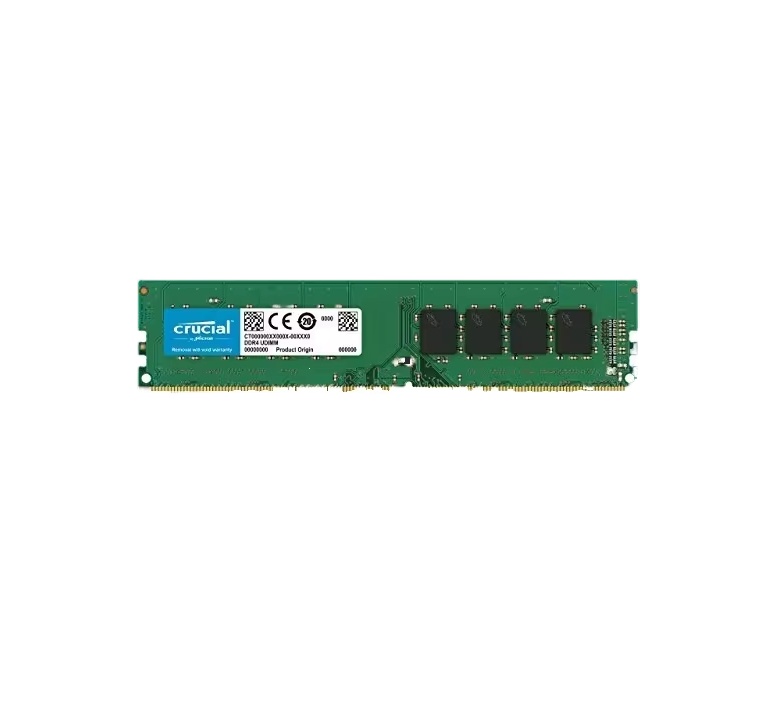
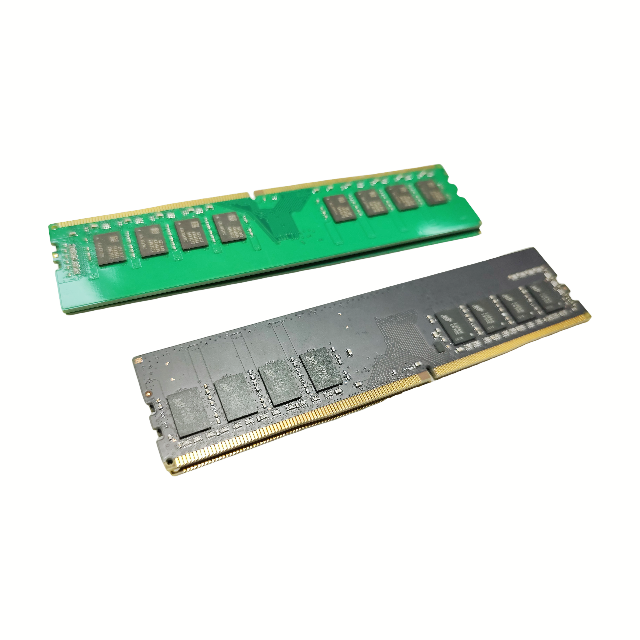
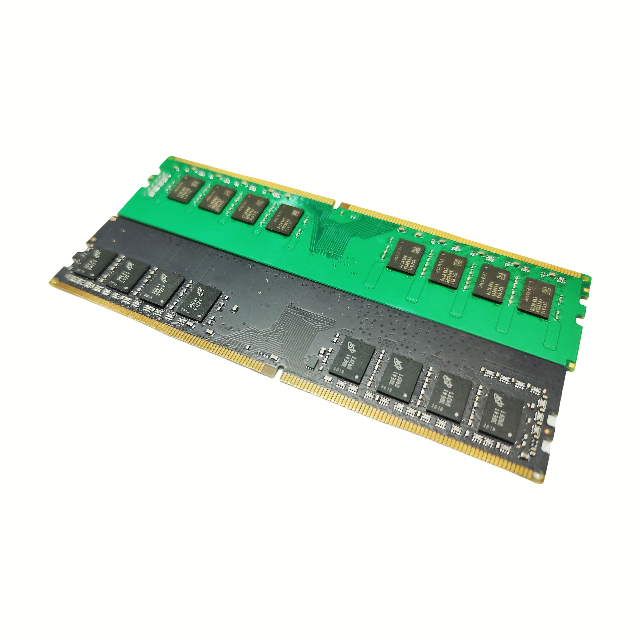
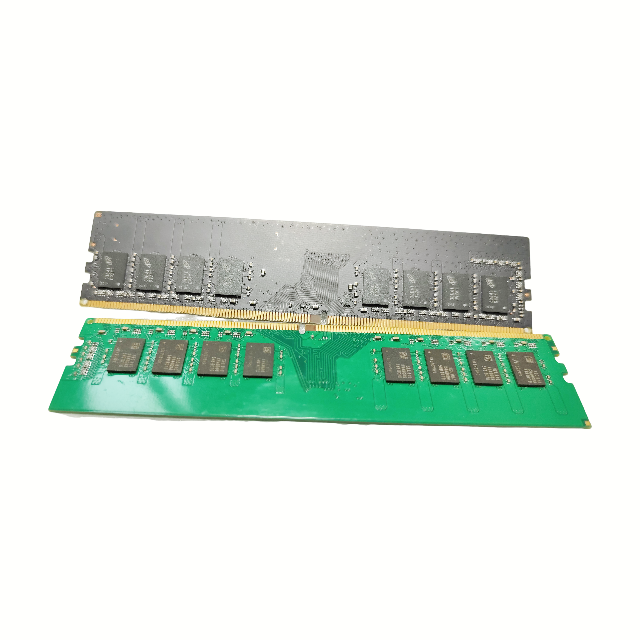
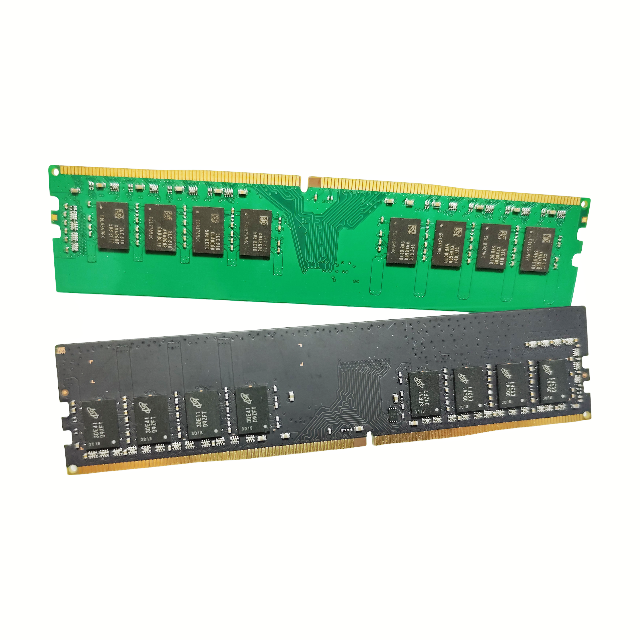
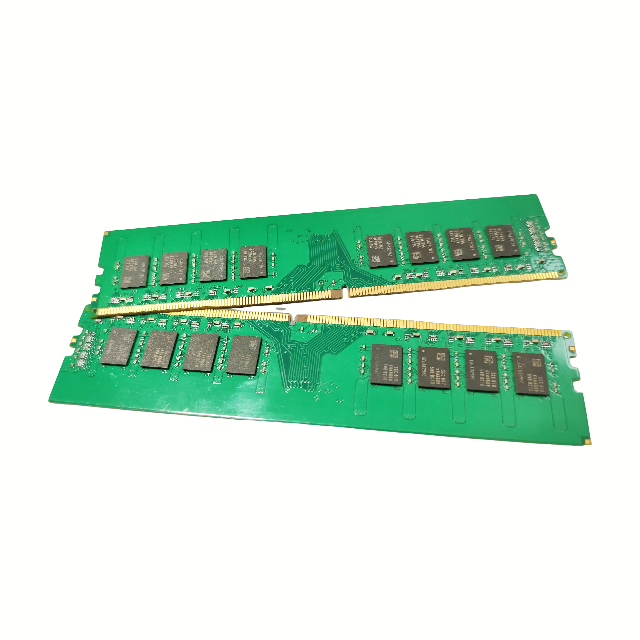
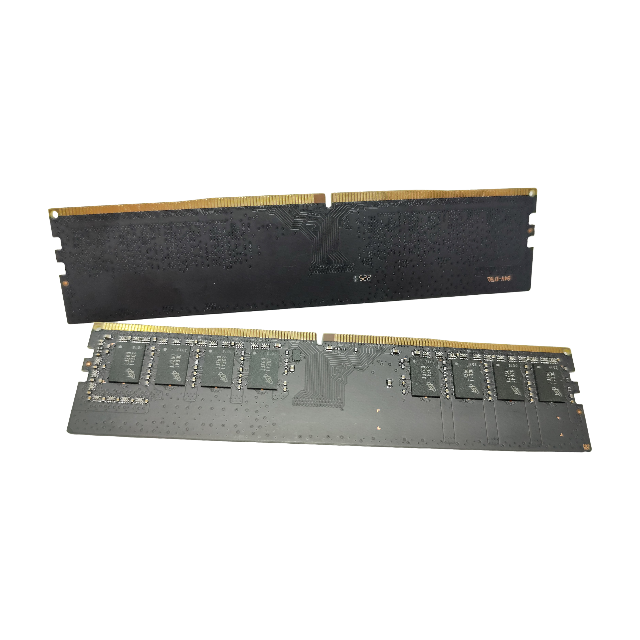


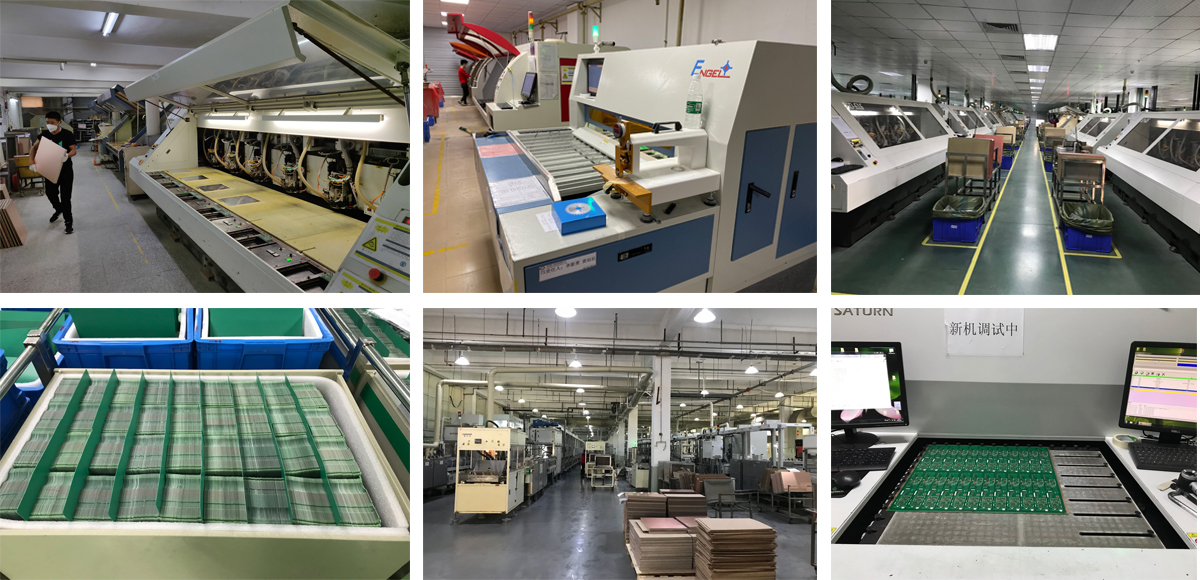
Established in 2006, our focus is on electronic consumer and electronic component channels, specializing in various IC, IT, and electronic accessories. We have established good, stable, and long-term relationships with world-renowned integrated circuit manufacturers and direct customers of integrated circuits. This enables us to have the most advanced technology that surpasses inventory control. All of our DRAM module products play an important role in the OEM market.
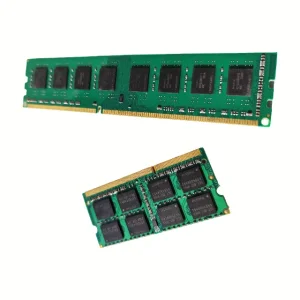
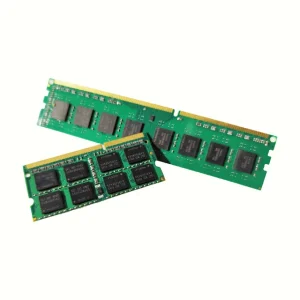
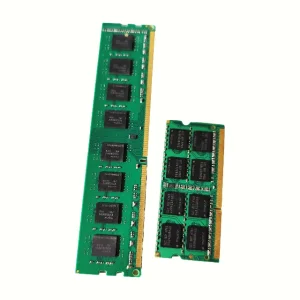
This DDR4 notebook memory is compatible with most modern laptops supporting standard DDR4 SO-DIMM slots. Please check your notebook motherboard specifications or current RAM details before purchasing.
Yes, it is possible to mix brands, but for optimal system stability, dual-channel efficiency, and consistent speeds, we highly recommend using matching modules of the same capacity and frequency.
This module runs at standard DDR4 speeds compatible with major notebook chipsets. It will automatically adjust to the maximum frequency allowed by your laptop's processor and BIOS settings.
We pack all memory modules inside anti-static ESD shielding trays and protective cushioning boxes to prevent electrostatic and physical impact damage during transportation.
First, turn off the power, remove the battery (if internal, disconnect power supply), and reseat the RAM firmly into the slot. You can also clean the gold contacts gently with a clean eraser to remove potential dust build-up before inserting again.